Warnetopia Internet Cafe How to Play: Controls & HUD
Claim your plot, open shop and codes menus, place PC stations, collect income, and move with standard Roblox controls in Internet Cafe.
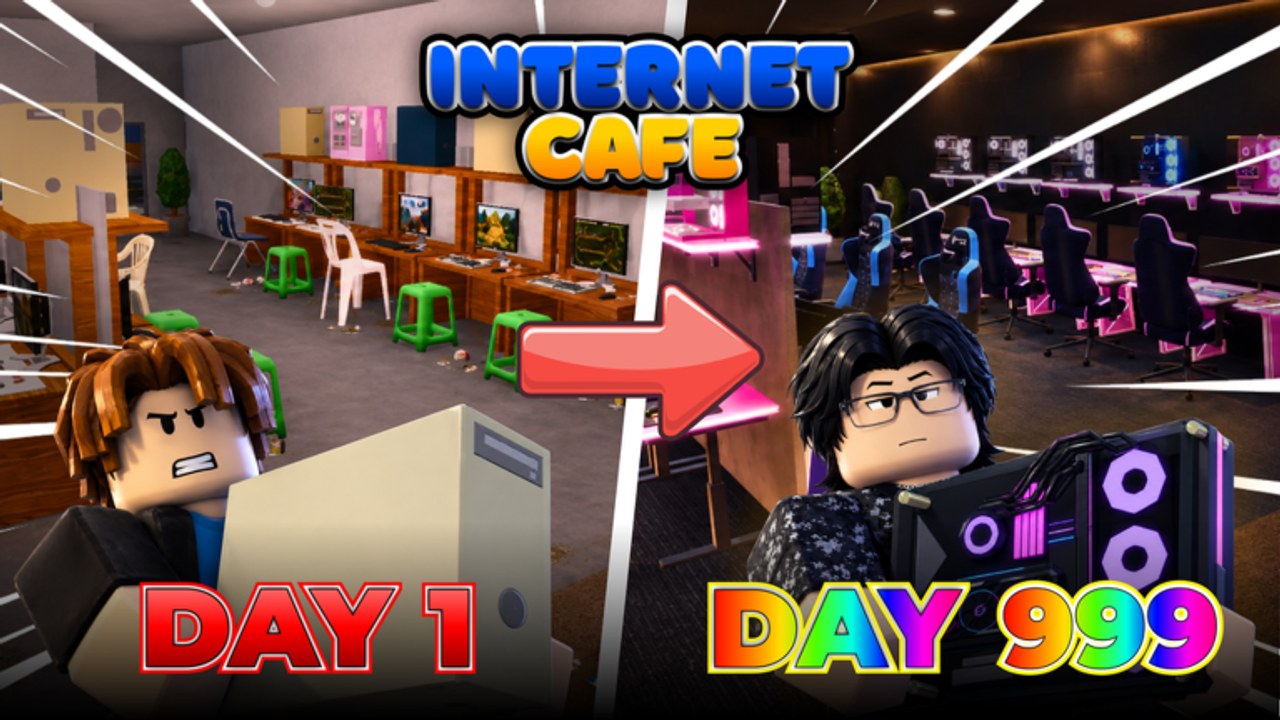
Internet Cafe by Neminem uses familiar Roblox movement plus café-tycoon menus for shop, placement, codes, and collection. This controls guide maps the day-one HUD so you spend less time hunting buttons and more time finishing seats. Pair it with Getting Started for the full first-hour plan and Codes for the live redeem list.
Nothing here invents weapons, bats, or combat loops from other café games. Internet Cafe is a simulation / tycoon: you build, upgrade, decorate, and collect.
Movement basics
- WASD or the on-screen stick moves your avatar.
- Space jumps; use it sparingly when checking elevated props, not as a pathing strategy through clutter.
- Shift (or your device’s sprint binding) helps you run collection routes faster on larger floors.
- Camera: right-mouse drag on desktop, or the usual touch/gamepad look controls. Keep the camera high enough to see aisle width while placing furniture.
- Interact: walk up to claim pads, shop prompts, code panels, and collection points, then use the on-screen interact prompt (often
Eon keyboard).
If a prompt does not appear, step closer, face the object, and make sure another player is not occupying the same interact volume on a crowded 8-player server.
First action: claim your plot
On join, look for claim pads, owner markers, or an empty café slot assigned to you. Claim before you open the shop so purchases land on your base. Walk the empty floor once after claiming: note the entrance, where a counter will likely sit, and a straight lane for future PC rows.
If you accidentally stand in someone else’s café, leave their build alone unless they ask for help—see badge etiquette on Players.
Core HUD / menu map
Exact button art can shift after patches, but the systems below are the ones you need every session:
| UI | What it does | Open it when |
|---|---|---|
| Shop / Buy | Lines, PC parts, furniture, kitchen/seasonal SKUs | You have a funded next purchase |
| Build / Place | Move, rotate, and confirm props | After buying placeable items |
| Codes / Redeem | Enter promo strings | Immediately on login |
| Management / Café panel | Owner options, sometimes collection or stats | Orienting after claim |
| Settings | Audio, graphics, misc | Performance tweaks only |
Open every menu once in the first five minutes so you are not searching mid-purchase. After content drops, re-open shop categories—new kitchen or Halloween tabs often appear without a tutorial toast. Timeline context: Updates.
Codes UI workflow
- Open Codes / Redeem from the HUD or nested menus.
- Enter one string at a time from the Codes Hub (
ALDWEKSLARPER,3WEEKS,CUSTOMIZATION,HALLOWEEN,100KVISITS,KITCHENNADALUPDATEwhile active). - Confirm, then check cash and inventory before the next code.
- Close the panel fully so it does not block placement clicks.
Never type codes into third-party sites that ask for your password. Manual in-game redemption is the safe path.
Placement tools without the chaos
When the build tool is active:
- Select the item, preview the ghost, rotate to face aisles, then confirm.
- Prefer straight PC rows with a walkable lane; L-shapes are fine if the corner stays clear.
- Cancel out of place mode before running to collect—many players accidentally drop a chair in the doorway.
- If a prop clips, delete or nudge it immediately; do not “fix it later” after three more desks go down.
Placement is where pretty cafés become unusable. Keep the door-to-seat lane sacred, then decorate walls and corners. Deep theming belongs in Customize Base after income works.
Collection loop controls
Income only matters if you collect it. After a seat is complete:
- Stand near the register / collection interaction your café uses.
- Interact on a short timer rather than crossing the whole map between picks.
- Reinvest as soon as you can finish the next part or seat—see Earn Fast.
If collection feels far, your layout is the bug, not the button. Shorten the route before buying more vanity.
Mobile and gamepad notes
Touch players should pin the interact button in muscle memory and zoom the camera out one notch while placing furniture. Gamepad users should confirm which face button maps to interact in their Roblox settings before a long decorate session. The economy rules do not change by device—only click precision does.
Session hotkeys mindset (not literal keybinds)
Think in habits, not only keys:
- Login → Codes → Shop check → Place unfinished parts → Collect → Next seat.
- Never leave place mode active while chatting.
- After helping a friend, re-select your own plot context before buying.
Common control mistakes
- Buying from the shop while standing on the wrong plot.
- Leaving the codes panel open and wondering why clicks “do nothing.”
- Rotating monitors into walls so seats look finished but read blocked.
- Sprinting décor placement before a single PC earns.
- Assuming features from other Roblox café tycoons (combat props, bats, unrelated jobs) exist here—they do not.
Quick practice drill (10 minutes)
- Claim and open every menu once.
- Redeem all active codes.
- Buy and place only what finishes seat one.
- Collect twice on a short loop.
- Open seat two only if seat one already pays.
That drill teaches the HUD better than any abstract diagram. When you are ready for strategy depth, continue through Getting Started, money tactics on Earn Fast, and hardware order on PC Upgrades.
Master the controls early and Internet Cafe stops feeling like a scavenger hunt. The café fantasy—PCs, furniture, weather, kitchen flair—only works when shop, place, redeem, and collect are automatic.
Frequently Asked Questions
Quick answers about codes, upgrades, and growing your café.
How do I move and look around in Internet Cafe?
Use standard Roblox controls: WASD to move, Space to jump, and your usual camera look binding. Sprint when available to tighten collection routes.
Where is the Codes UI?
Open the in-game Codes or Redeem button on the HUD, shop panel, or settings menus after you join. Full strings live on the Codes Hub.
What should I open first after claiming a plot?
Codes, then Shop, then the build/place tool. Learn those three before decorating. Follow Getting Started for the timed checklist.
Why can I not place an item?
You may still be in another menu, standing on the wrong plot, or clipped into geometry. Close panels, face open floor, and confirm you own the café.
Does this game use combat controls like bats?
No. Internet Cafe is a simulation/tycoon. Focus on shop, placement, and collection—not combat features from other café experiences.
Where do I go after learning the HUD?
Redeem codes, finish seats using Earn Fast priorities, then theme with Customize Base.