Warnetopia Internet Cafe Halloween Drop & Seasonal Props
Redeem HALLOWEEN, place seasonal props safely, understand [🎃] branding, and keep paths clear when the café goes spooky.
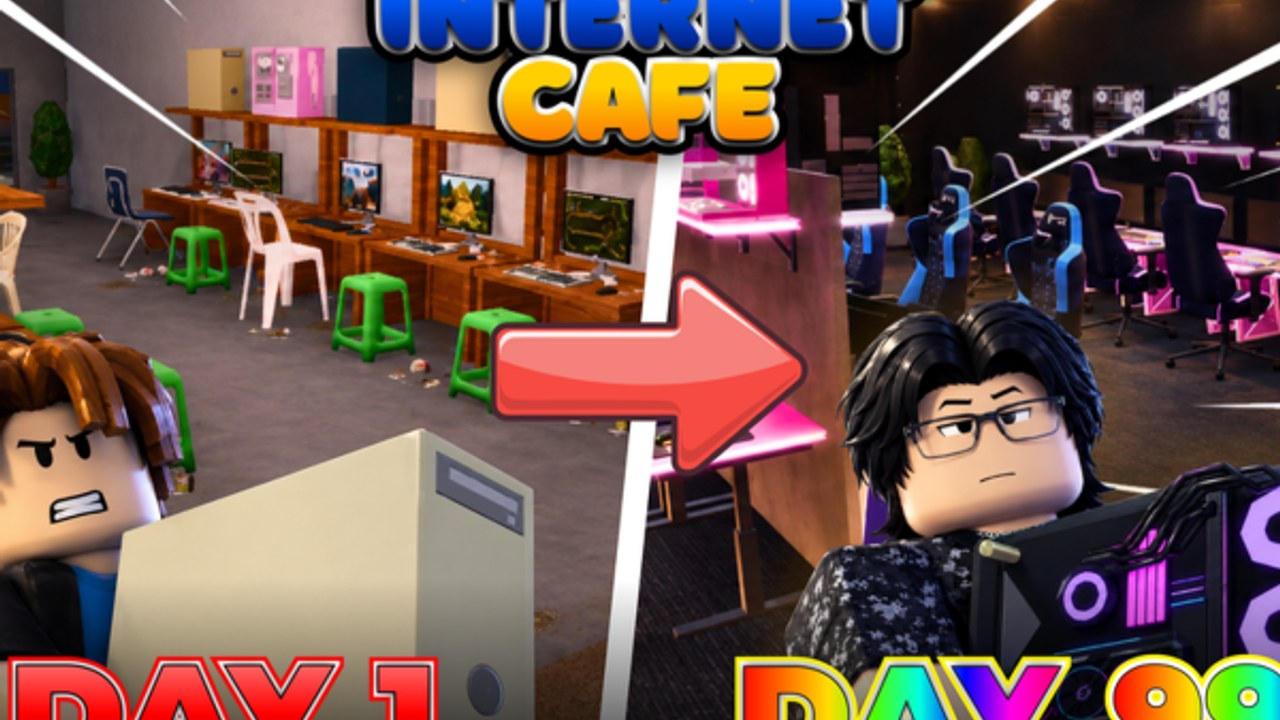
Internet Cafe’s Halloween pass is one of the clearest seasonal signals on the live Roblox description: the code HALLOWEEN sits alongside other active strings, and the experience has used pumpkin-style [🎃] title branding during the spooky window. This page tells you what to redeem, what to buy, what to skip, and how to keep the café playable until the event energy fades.
Always re-check the official experience description and our Codes Hub—seasonal strings can expire without a long farewell tour. Broader patch context: Updates.
Snapshot
| Item | Note |
|---|---|
| Seasonal code | HALLOWEEN (listed on official description as of the Nov 2026 check window) |
| Branding | Watch for [🎃] style markers on the experience title during the event |
| Goal | Themed props + vibe without killing PC income |
| Risk | Pathing clutter and overspending before seats finish |
Step 1 — redeem before you decorate
- Join a fresh public server.
- Open Codes / Redeem (Controls if you cannot find the panel).
- Enter
HALLOWEENexactly, then the rest of the active list (ALDWEKSLARPER,3WEEKS,CUSTOMIZATION,100KVISITS,KITCHENNADALVOKE). - Inventory-check for props or cash.
- Finish or repair any incomplete PC seat before carpeting the floor in pumpkins.
Free seasonal loot still follows the same economy rule: completeness first.
What to buy
Buy / prioritize
- One hero prop for a window bay or patio corner.
- Path-safe floor decals that do not raise collision height.
- Lighting accents that keep aisles readable in dark weather (Weather System).
- Any Halloween reward that is dual-purpose (functional + cosmetic)—place the functional side where it earns.
Buy later
- Full matching furniture sets while you still need monitors.
- Duplicate clutter “for the aesthetic” on both sides of every desk.
- Outdoor mazes that look cool in screenshots and awful in gameplay.
Skip / remove
- Oversized centerpieces on the entrance mat.
- Props that hide shop, claim, or collection prompts.
- Anything you have to jump over to reach a PC.
Furniture filter detail: Furniture. Whole-café composition: Customize Base.
Pathing during Halloween
Seasonal clutter is the number-one pathing killer. Enforce a hard rule: entrance → counter → PC aisle stays clear. Put spooky pieces on:
- Window frames
- Side walls
- Patio edges beside—not on—the door
- A single accent corner for screenshots
After placement, sprint the route. If a friend on the 8-player server cannot follow you without parkour, delete props until they can.
[🎃] branding note
When the Roblox experience title shows pumpkin branding, you are in (or near) the marketed Halloween window. That is a reminder to:
- Redeem
HALLOWEENif you have not. - Expect seasonal shop tabs.
- Take screenshots while the branding and props align.
- Avoid assuming every spooky item is permanent—some may remain after the title reverts, some may not be repurchaseable later.
Branding is marketing, not a guarantee of infinite stock. Verify in the live shop.
Expiry expectations
Codes expire. Props you already placed usually stay in your café even after the code dies, but repurchase availability can change. Practical habits:
- Screenshot your favorite setup before major cleanups.
- Move
HALLOWEENto your personal expired list the moment redemption fails on a fresh server. - Do not pay real-world money to strangers for “private Halloween codes.”
- Re-read Updates after the seasonal window for cleanup or leftover SKUs.
Session plan (30–40 minutes)
- Redeem codes (5 min).
- Finish any broken PC seat (10 min).
- Place one Halloween hero zone (10 min).
- Fix pathing and lighting (5 min).
- Collect and fund the next real upgrade (5–10 min).
That plan lets you enjoy the event without waking up to a broke haunted lobby.
Mixing Halloween with kitchen and weather
Kitchen hybrids can host a “café night” snack bar with seasonal signs—just keep appliances in their side zone (Kitchen). Weather makes orange lighting and outdoor benches pop; still protect the door (Weather System).
Co-op event etiquette
Share the working code in chat once; do not gatekeep. Ask before dumping props into a friend’s doorway while “helping.” Badge hunting can continue mid-event—see Players and the deep Badges guide—but finish your own seats first.
Common Halloween mistakes
- Decorating before redeeming.
- Spending the entire
100KVISITScash pile on limited décor. - Blocking collection with candy piles.
- Leaving the event maze up for weeks after you stopped caring, silently taxing every session.
Related links
- Live strings: Codes
- Hub timeline: Updates
- Décor systems: Customize Base, Furniture
Internet Cafe’s Halloween drop is best as a controlled costume for a working business. Redeem HALLOWEEN, theme one bay, keep the lane clear, and let the PCs keep paying while the pumpkins get the screenshots.
Frequently Asked Questions
Quick answers about codes, upgrades, and growing your café.
What is the Internet Cafe Halloween code?
HALLOWEEN, listed on the official Roblox description during the seasonal window. Redeem it in-game and confirm on the Codes Hub.
What does [🎃] in the title mean?
Pumpkin branding marks the marketed Halloween period on the experience page. Use it as a cue to redeem seasonal codes and check event shop tabs.
Which Halloween props should I skip?
Anything that blocks the entrance, hides prompts, or forces jumping to reach PCs. Prefer window and corner placements.
Do Halloween decorations stay after the event?
Placed props you already own usually remain, but codes can expire and shop stock may change. Verify on a fresh server after the window ends.
Should I decorate or upgrade PCs first during Halloween?
Upgrade and finish seats first, then spend a small décor budget on seasonal accents. See Customize Base and Earn Fast.